Household Wizard › A Quicken alternative with no subscription
A Quicken alternative with no subscription
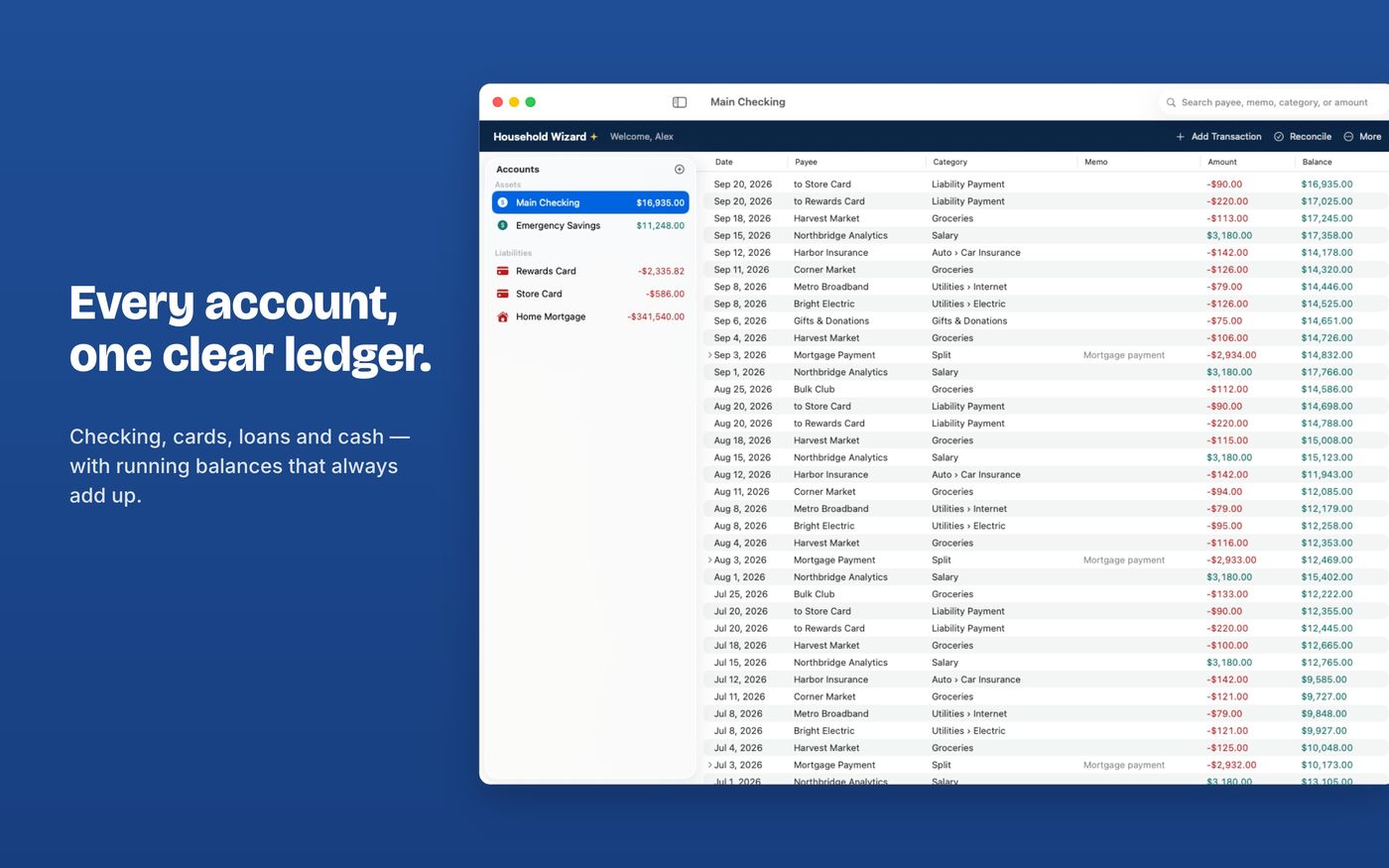
Many people look for a Quicken alternative because they would rather buy an app once than subscribe. Household Wizard is a one-time purchase for Mac and iPad with a full ledger, reconciliation, budgets and debt payoff, and it imports your Quicken data from CSV files.
Which one fits you?
Stay with Quicken if you…
- need transactions to download from your bank automatically
- need detailed investment portfolio tracking
- depend on features you use every week that Household Wizard doesn't have
Household Wizard fits if you…
- want to buy once and own the app
- enter or import transactions yourself and like a clean ledger
- want your data in your own iCloud with no third-party servers
- want to share a ledger with a partner on Mac and iPad
How to move your data
- In Quicken, export each account's register (or an all-accounts report) as a CSV. See Quicken's help for Mac or Windows (export to a spreadsheet, then save it as CSV).
- In Household Wizard choose Finances › Import CSV… and pick Quicken under Import From.
- Quicken categories written as Parent:Child become categories with subcategories. Check the preview, then import.
- Compare each account's balance with Quicken. If a file starts mid-history, add an opening-balance transaction dated before the first imported row, or create the account first with its opening balance and import into it. Transfers arrive as separate transactions rather than linked pairs.
The full details, including what each import option does, are in the import guide.