Household Wizard › A YNAB alternative without a subscription
A YNAB alternative without a subscription
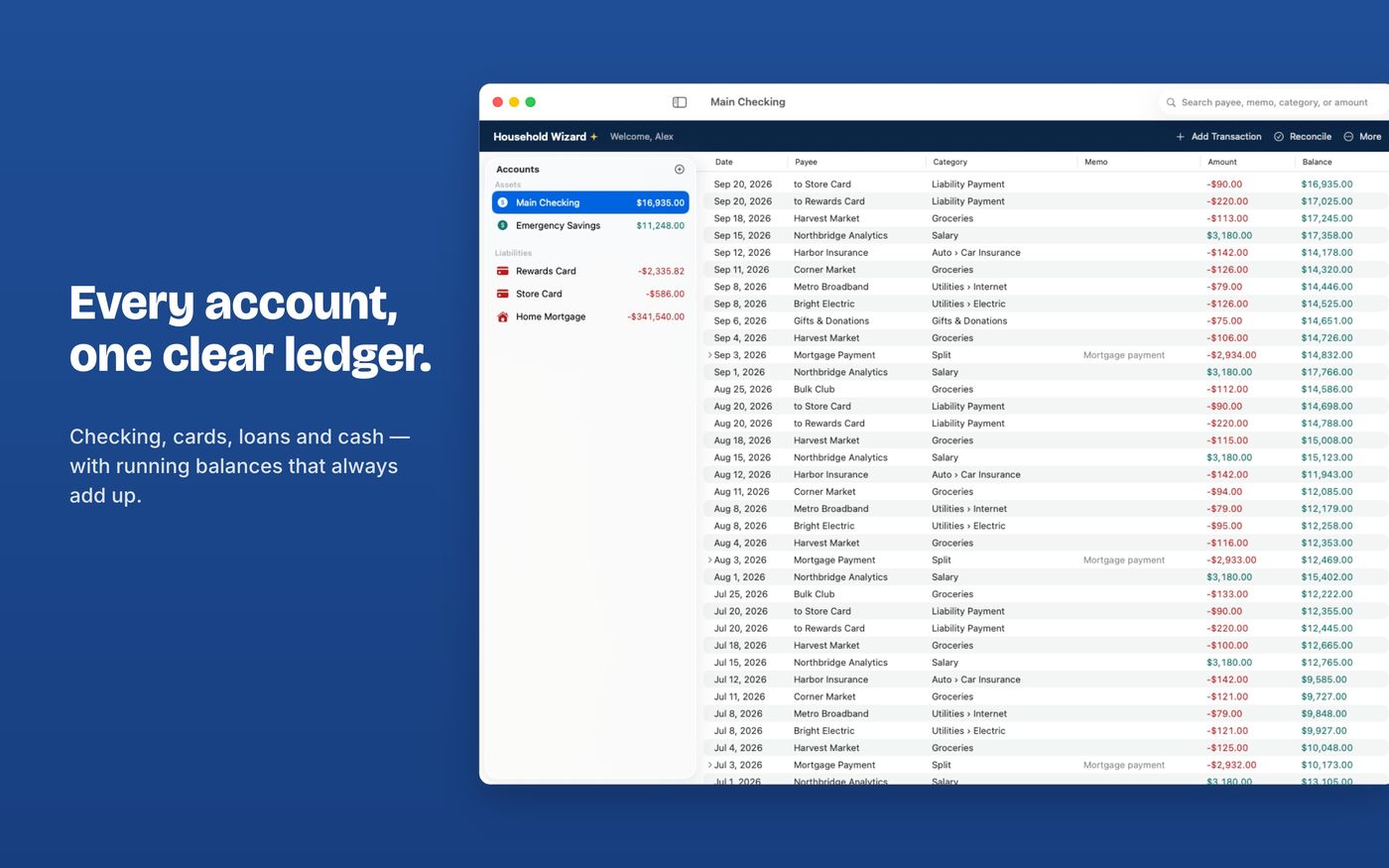
Household Wizard is a one-time purchase for Mac and iPad: a full ledger with category budgets, debt payoff, net worth and reconciliation, and your data stays in your own iCloud. It imports your YNAB history from a CSV file.
Which one fits you?
Stay with YNAB if you…
- love YNAB's specific method of giving every dollar a job
- want bank connections that import transactions for you
- use its guidance and community every week
Household Wizard fits if you…
- want to buy once instead of subscribing
- prefer a ledger-first app with category budgets
- want your data in your own iCloud with no third-party servers
- want to share a ledger with a partner on Mac and iPad
Household Wizard is a ledger-first app with category budgets. It is not a copy of YNAB's budgeting method, so if that method is why you use YNAB, think carefully before switching.
How to move your data
- In YNAB, export your plan data. YNAB's help explains how: Exporting plan data. The transactions file is the one named Register.
- In Household Wizard choose Finances › Import CSV… and pick YNAB under Import From.
- Outflow and Inflow columns become one signed amount, and "Category Group/Category" becomes a category with a subcategory. Check the preview, then import.
- Compare each account's balance with YNAB afterward, and if the file starts mid-history, add an opening-balance transaction dated before the first imported row (or create the account first with its opening balance and import into it).
The full details, including what each import option does, are in the import guide.