Apps › JobsPaid
JobsPaid
Quotes, invoices and expenses for iPhone and iPad
The simplest way for solo and small service businesses — cleaners, mobile detailers, dog groomers, landscapers and more — to run the money side of the job from their phone. Quote it, invoice it, get paid, and keep track of what you spend. No website, no bookkeeper, no spreadsheet.
Free to start: add your first client and try up to two invoices, two estimates and three photos. JobsPaid Pro unlocks unlimited clients and documents, monthly or annually, with a free trial.
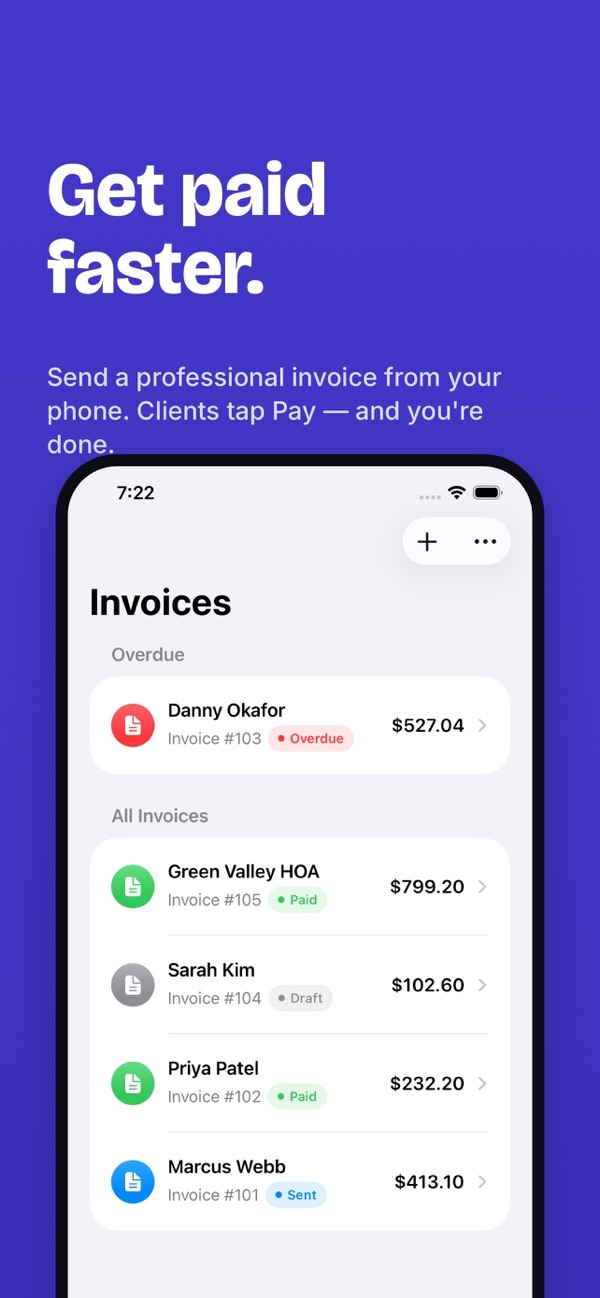
Honest note: JobsPaid doesn't process payments. You add a payment link you already use — Stripe, PayPal, Venmo or anything else — and clients tap Pay on the invoice to pay you directly. JobsPaid never touches the money.
Is it right for you?
A good fit if you…
- run a one-person or small service business
- want to send quotes and invoices from your phone, on the job
- already take payments through Stripe, PayPal or Venmo
- want before/after photos as proof of work
- don't want another account or another login
Not the best fit if you…
- need payroll, inventory or full double-entry bookkeeping
- want card payments processed inside the app
- use Android or Windows
What's inside
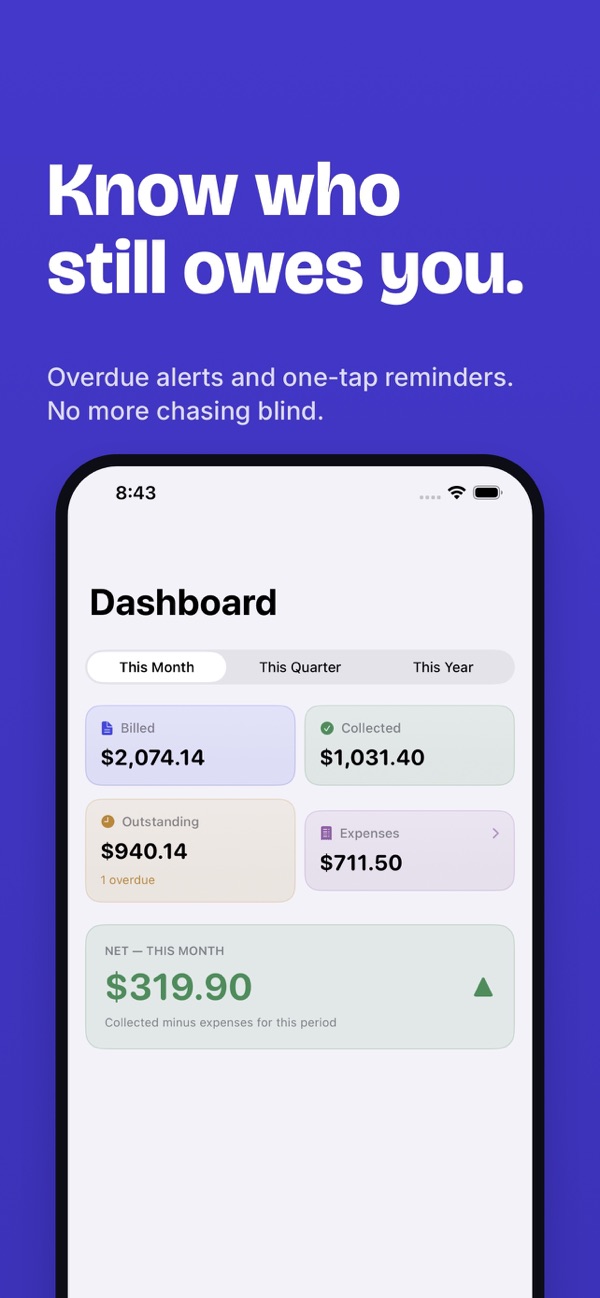
- A dashboard showing what you've billed, collected and spent this month, quarter or year — and what's still outstanding
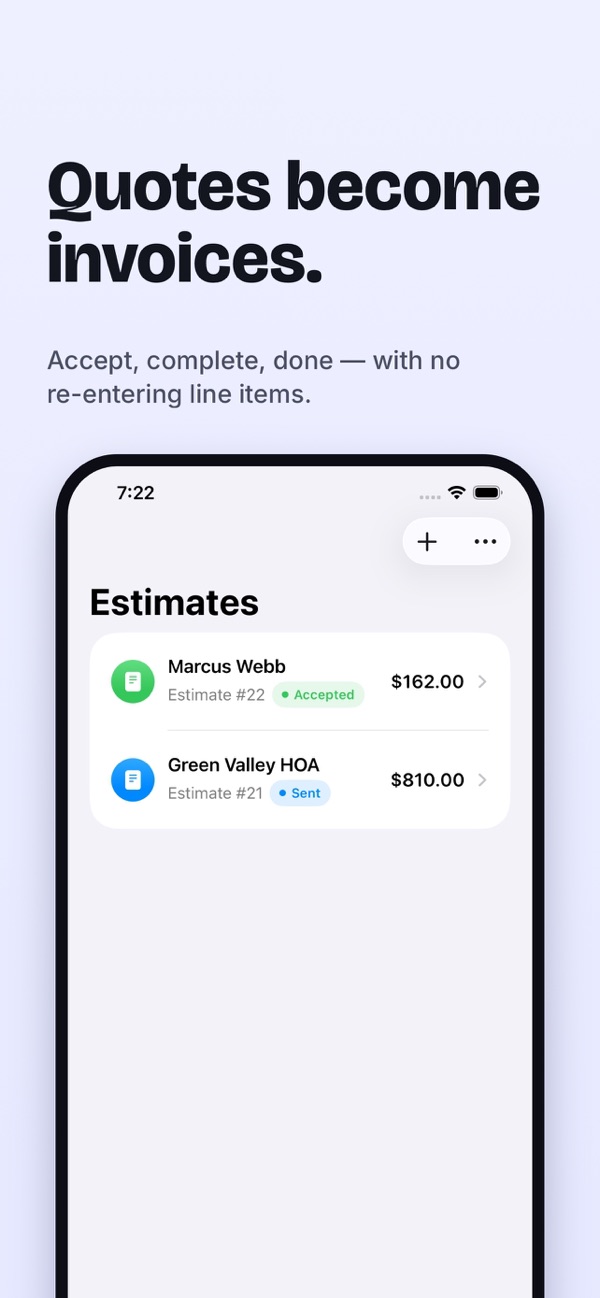
- Estimates with itemized pricing that convert straight into invoices once the job is accepted and completed
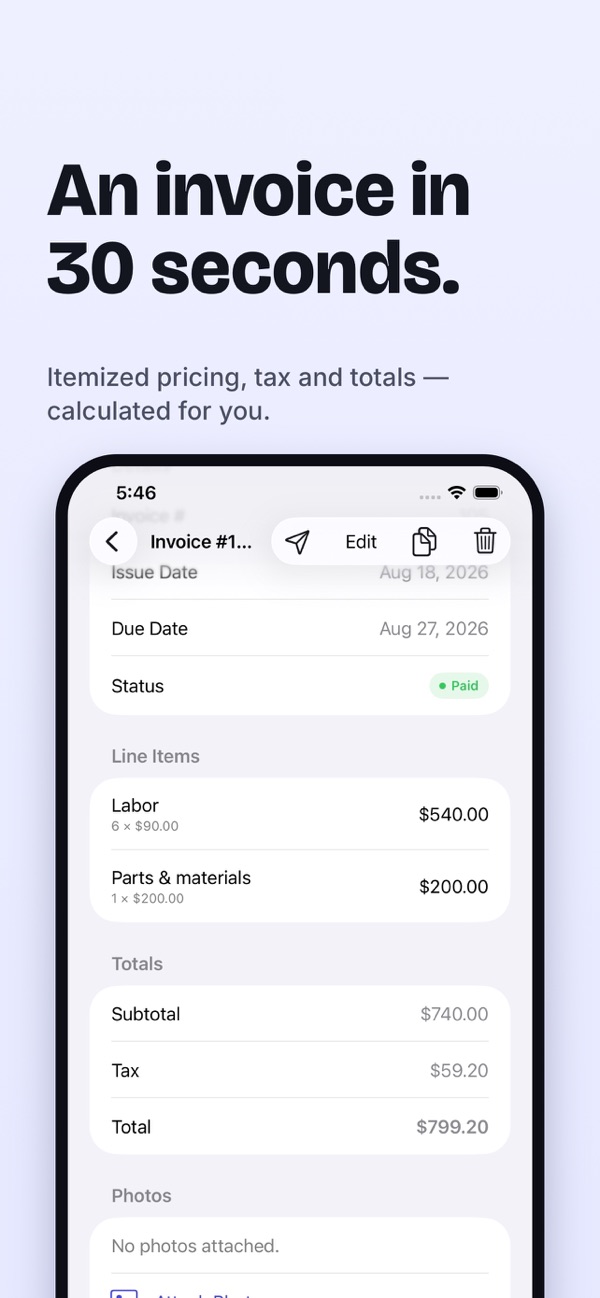
- Invoices with automatic subtotal, tax and total, and status at a glance: draft, sent, paid or overdue
- Duplicate any estimate or invoice for a repeat client in one tap
- Overdue reminders with one-tap follow-up
- Clients with contact info and billing history, plus quick search
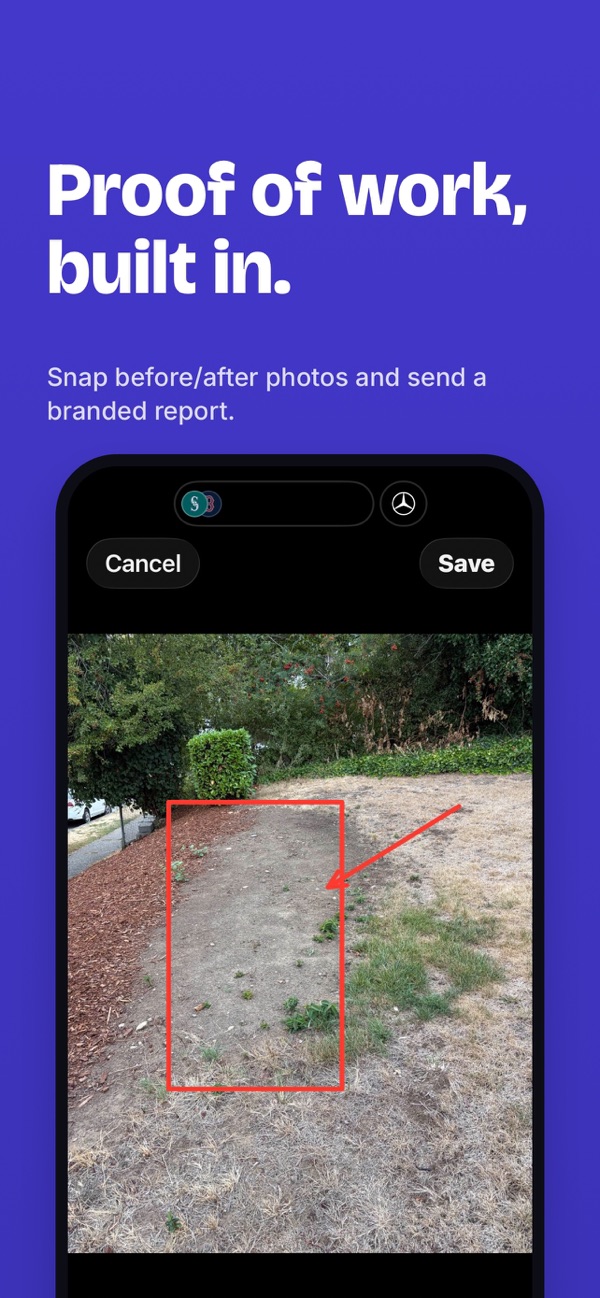
- Photo documentation: before/after shots, markup with arrows, circles and notes, side-by-side or slider comparison, and a branded photo report you can attach
- Expense tracking by category, with a photo of the receipt
- A year-end Tax Summary PDF of income and expenses by category, ready for your accountant
Private by design
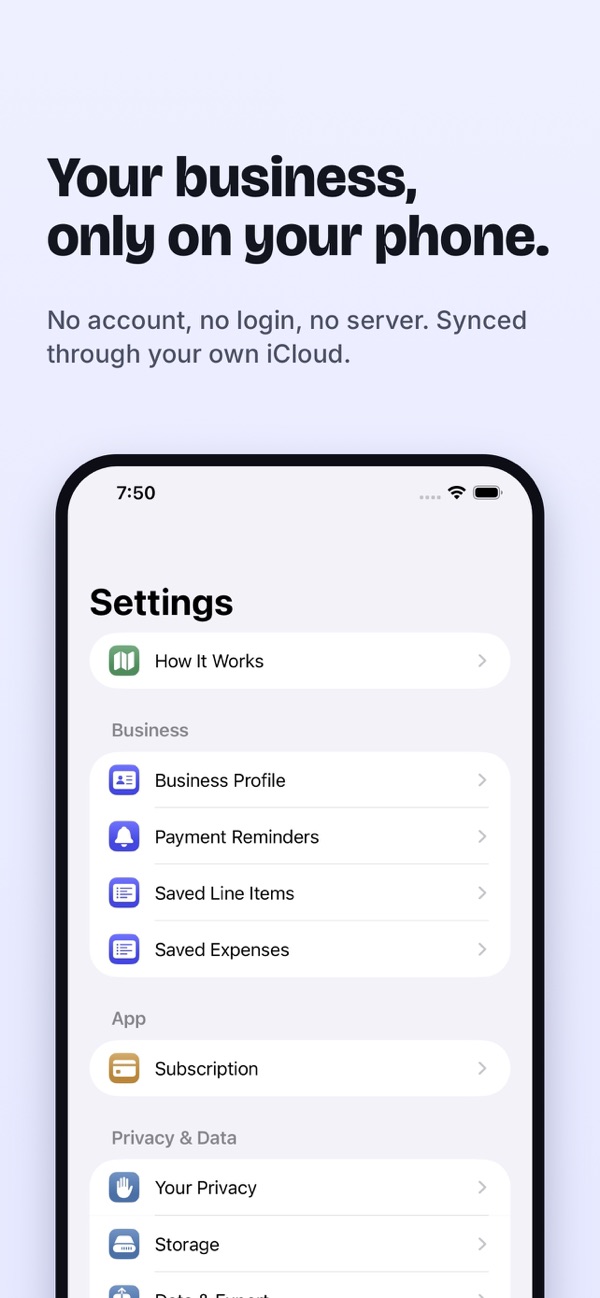
JobsPaid has no account system, no login and no company server. Every client, quote, invoice and expense is stored on your device and synced only through your own private iCloud account — the same way Photos or Notes sync. Location tagging for photos is off by default. Nobody but you sees your business data.
Questions
Does JobsPaid process payments?
No. You paste a payment link you already have, such as a Stripe Payment Link, a PayPal.me URL or Venmo, and it appears as a Pay button on your invoices. Clients pay you directly; JobsPaid never touches the transaction or holds your money.
Do I need to create an account?
No. There is no account, no login and no company server. Your clients, quotes, invoices and expenses are stored on your device and sync only through your own private iCloud account.
Is JobsPaid free?
You can start free: add your first client and try up to two invoices, two estimates and three photos. JobsPaid Pro unlocks unlimited clients and documents as a monthly or annual subscription with a free trial.
Can I get my data out?
Yes. Settings > Data & Export creates CSV files of your clients, invoices and expenses, and a yearly Tax Summary PDF of income and expenses by category.
How do I cancel my subscription?
Go to Settings > Subscription inside JobsPaid and tap Manage Subscription, or open your iPhone's Settings > [your name] > Subscriptions.
Does it work on Android or Windows?
No. JobsPaid is for iPhone and iPad.