Apps › Trivia Huddle
Trivia Huddle
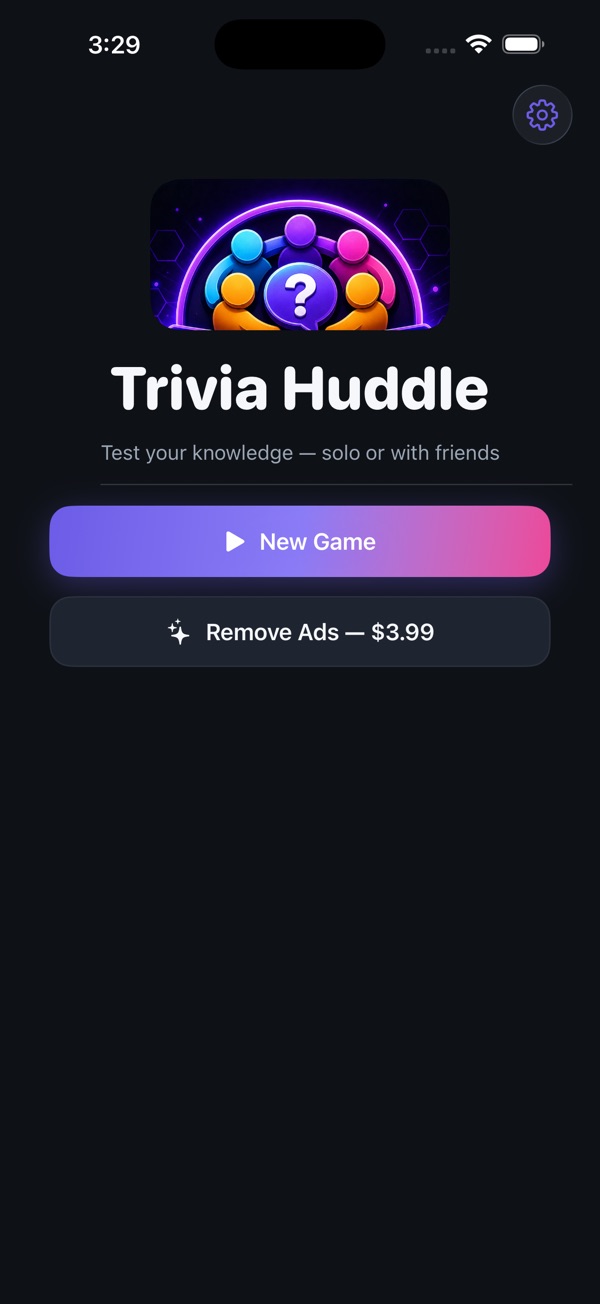
Party trivia for iPhone, iPad and your TV
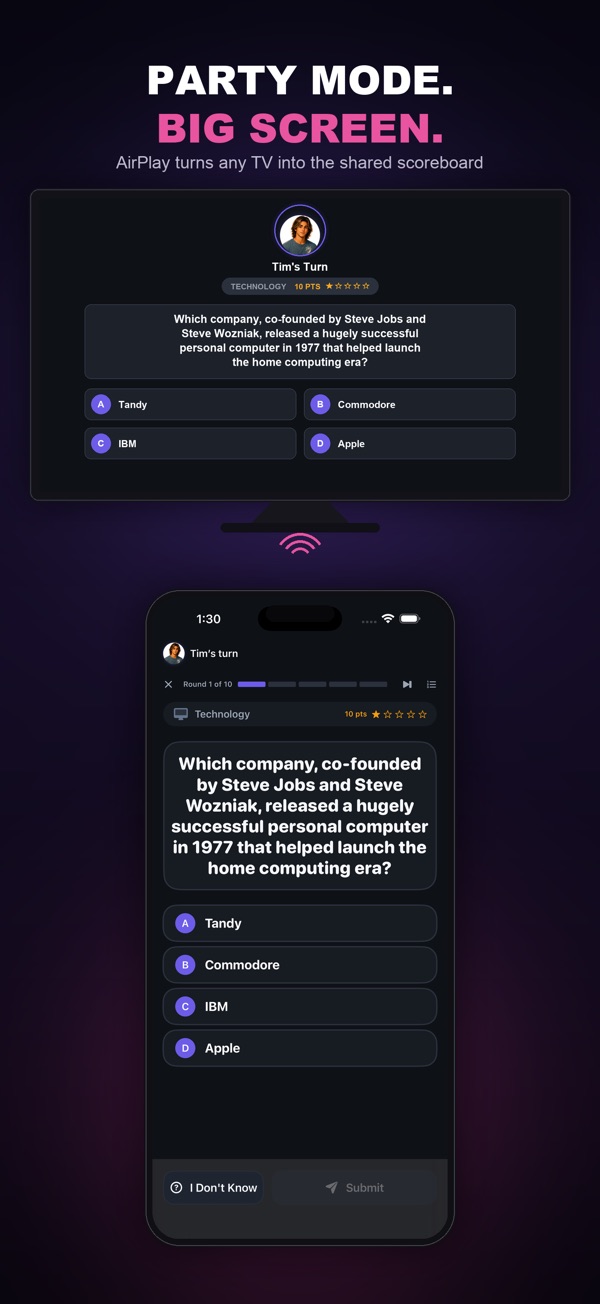
Turn your TV into the ultimate trivia game show. Mirror to an Apple TV or any AirPlay TV and the big screen becomes your host — question, answer choices and a live leaderboard for the whole room — while the phone in your hand stays the controller.
Free to play — every category, every round, no paywall. An optional one-time purchase removes ads.
Built for game night
- AirPlay Party Mode: mirror to your TV for a true shared-screen game — the big screen shows the show, your phone stays the controller
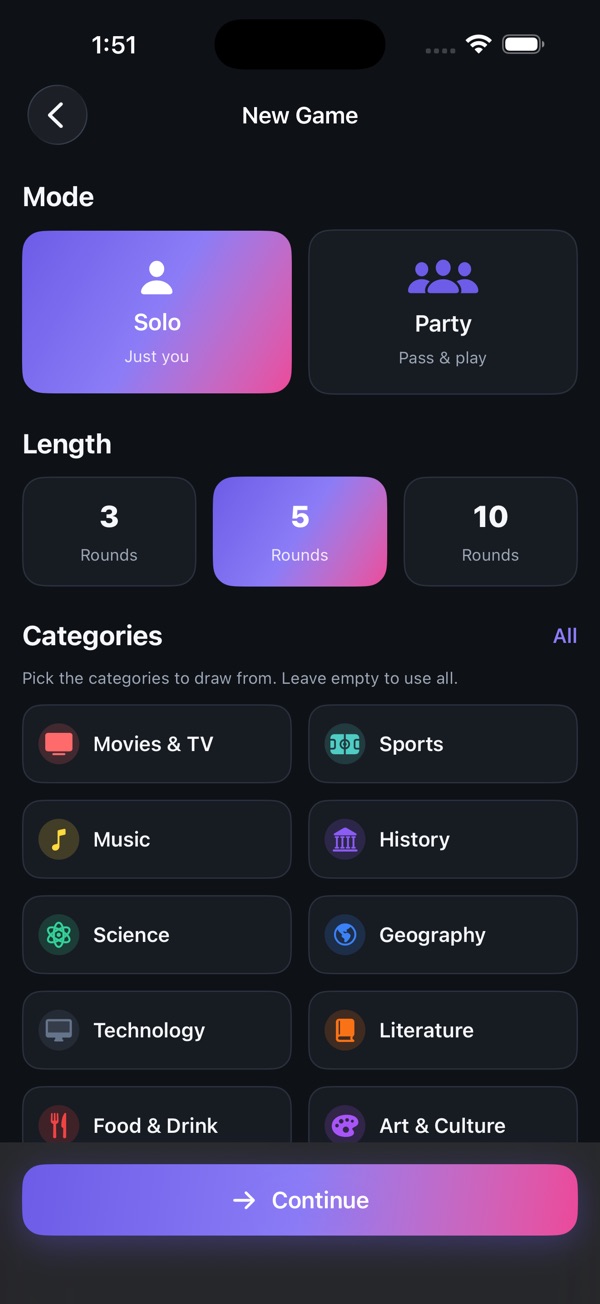
- 10 categories, 3,000+ questions: Movies & TV, Sports, Music, History, Science, Geography, Technology, Literature, Food & Drink, and Art & Culture
- Party mode for groups, with relaxed or timed rounds and 3, 5 or 10-round games
- Solo mode to sharpen your trivia skills anytime
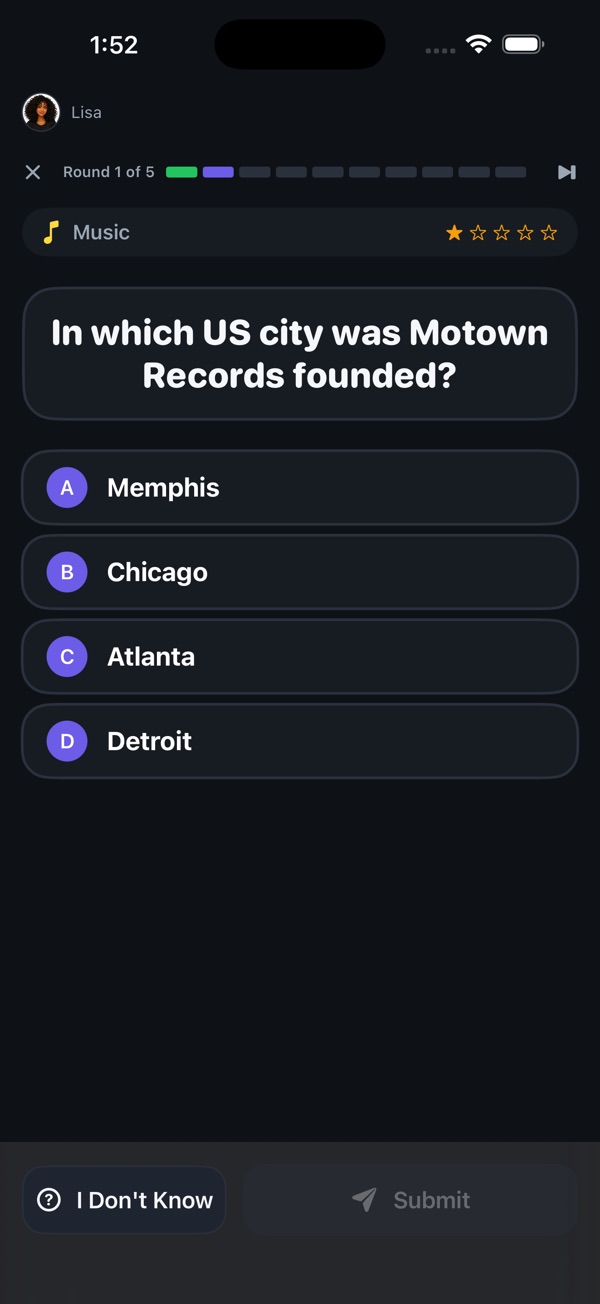
- Player avatars and a live scoreboard so everyone knows who's winning
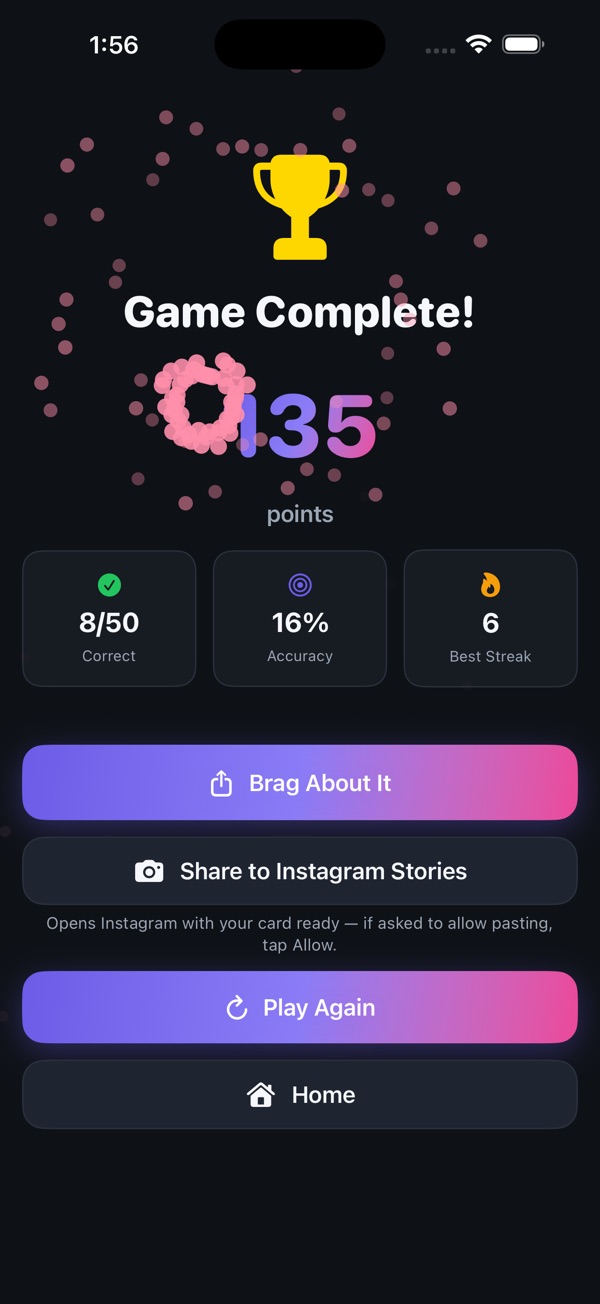
- Streak bonuses and Perfect Round / Perfect Game celebrations
- Brag about it: share results instantly, including straight to Instagram Stories
- Free seasonal Holiday Trivia Night: 300 easy, family-friendly holiday questions each winter, from mid-November through early January
How to play on your TV
On your iPhone or iPad, open Control Center, tap Screen Mirroring and choose your Apple TV or AirPlay-enabled TV. Start a game and the questions and scoreboard move to the big screen automatically, while your device keeps the game controls. No TV? Play right on your iPhone or iPad.
Perfect for
Game night, family gatherings, holiday get-togethers, or breaking the ice with friends. Play a quick solo round to warm up, or huddle the whole group around the TV for the showdown.
Questions
Is Trivia Huddle free?
Yes. Every category and every round is free to play. An optional one-time purchase removes ads.
How do I play on my TV?
Connect your iPhone or iPad to an Apple TV or AirPlay-enabled TV using Screen Mirroring in Control Center, then start a game. The questions and scoreboard appear on the big screen automatically while your device shows the game controls.
Do I need a TV to play?
No. You can play solo or as a group on an iPhone or iPad. The TV just makes it a shared game show for the whole room.
Where are my saved games stored?
Saved games are stored only on your device. Deleting the app, or restoring your device from a backup made before the save existed, removes them.
How do I share my results to Instagram Stories?
On the results screen, tap Share to Instagram Stories. Instagram opens to its Story editor with your score card loaded. The first time, iOS may ask to allow Instagram to paste from Trivia Huddle; tap Allow.